


After officially ending support for Windows 10, Microsoft is making it more difficult to install Windows 11 using a local account. Microsoft has just released a new Windows 11 test build (build 26220.6772 – KB5065797) under the Windows Insider program, introducing a controversial change: the removal of familiar methods that allowed users to bypass signing […]
Read More
As a long-term Excel enthusiast, I have always enjoyed using VLOOKUP, one of Excel’s best-known lookup functions. However, Microsoft’s introduction of XLOOKUP in 2019 changed everything. Once I realized how useful XLOOKUP is, I knew I’d never look back. I’ll use direct cell references to exemplify my points in this article, as they are clearer […]
Read More
For anyone still dreaming of a shiny new Windows 12 arriving on a white horse—sorry, it’s time to wake up. Microsoft has officially popped the balloon: the next version of Windows is not 12, but Windows 11 version 25H2, coming in the second half of 2025. Last Friday, Microsoft confirmed what many suspected and others […]
Read More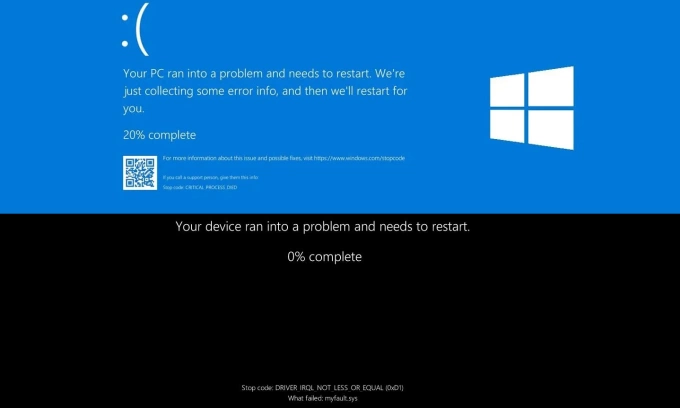
After 40 years of traumatizing users and giving IT support staff migraines, Microsoft has finally decided to retire the legendary Blue Screen of Death (BSoD). And what do we get in return? A new look! Because apparently, system crashes also deserve a fashion makeover. Introducing: the Black Screen of Death — or BSoD 2.0 if […]
Read MoreOfficial download address:https://bluebeam.com/Revu20download/ Installation activation steps:1. Install after downloading and select the language. 2. Paste the Serial and Product key you bought from me. Then click Register. If there is an error pop-up window, please click OK and continue to click Register. If the activation window does not pop up, please open the activation window manually. 3. Select Authorize […]
Read More
WHAT IS ONLINE TV An Online TV app is a software application that allows users to watch television shows, movies, and live broadcasts through the internet, rather than through traditional cable or satellite TV services. These apps typically provide access to a wide range of live channels, on-demand content, and sometimes radio stations, from around […]
Read More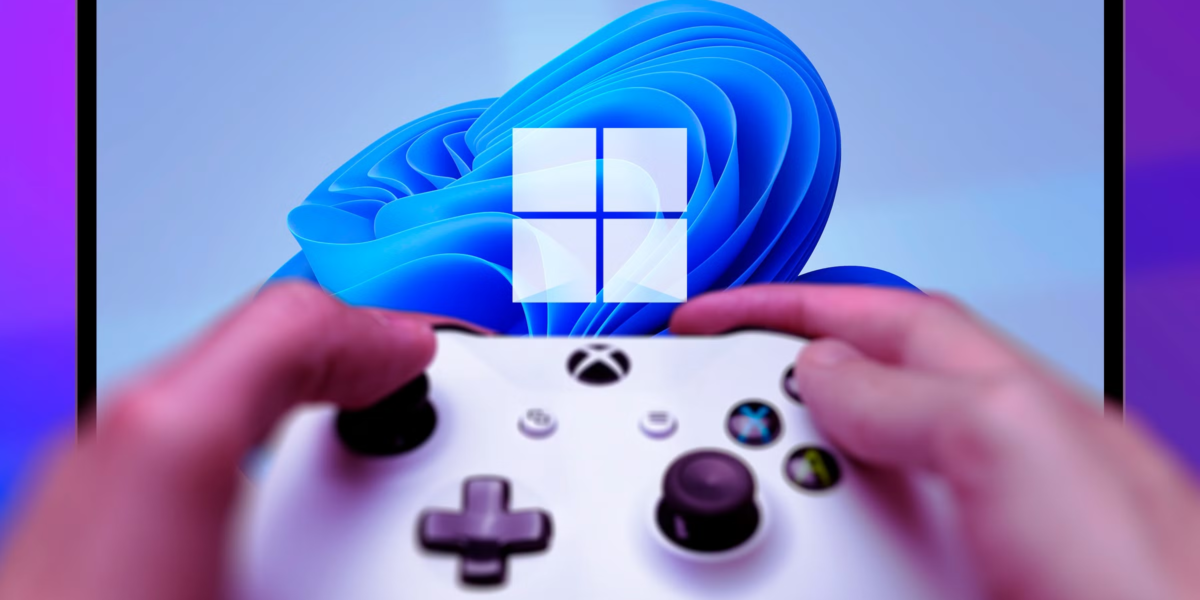
If you’re a PC gamer, you’re probably used to gaming on Windows 10. Later this year, though, you’ll have to switch to Windows 11. Fortunately, Windows 11 includes some cool gaming features that you have to look forward to when upgrading. Auto HDR Modern games like Cyberpunk 2077 are compatible with high dynamic range (HDR) technology, which […]
Read More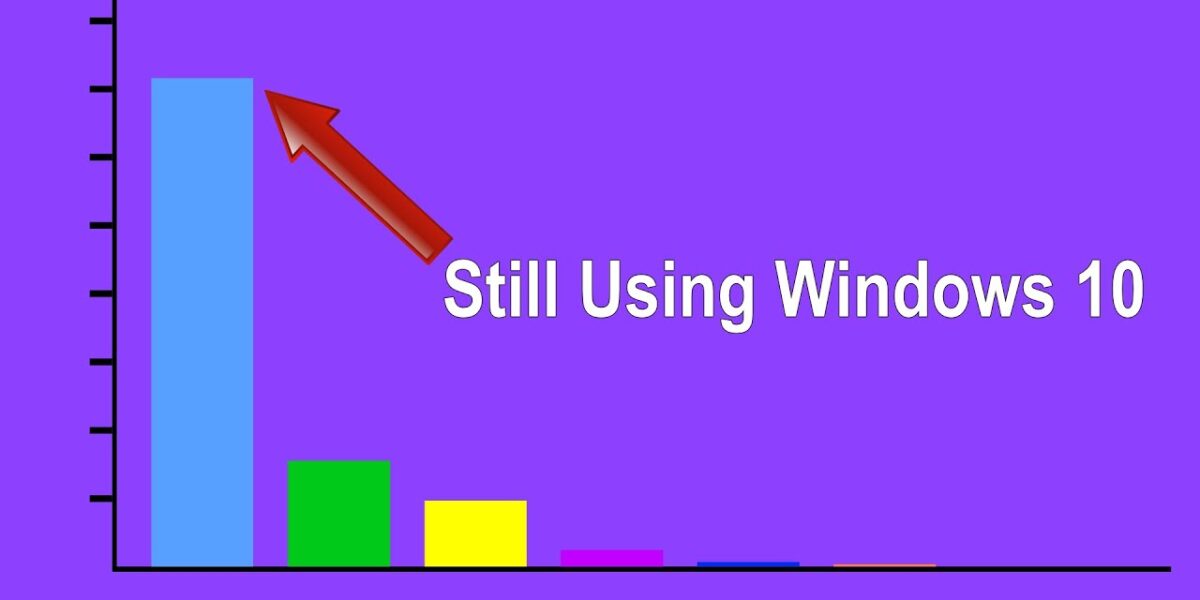
Microsoft released Windows 11 over three years ago, and while many users have upgraded to the latest operating system version, I’m still sticking with Windows 10. If you’re unsure whether to upgrade or stay put, here’s why I haven’t made the switch yet. Support Is Still Available Microsoft hasn’t fully phased out Windows 10 yet, […]
Read More
For a really long time, if you wanted to use Microsoft Office tools like MS Word, Excel or PowerPoint, you needed to purchase a license for the software. Or you could subscribe to Microsoft 365. But that’s now changed, as Microsoft has officially launched a free ad-supported version of Office for Windows and Mac. Let us […]
Read More
In this post, we are going to see how you can set up and use Deepseek-R1 in Visual Studio Code. Deepseek is probably one of the hottest topics in the world of AI today, and if you are willing to install it on your computer locally, this guide is for you. Use Deepseek-R1 in Visual Studio Code […]
Read More